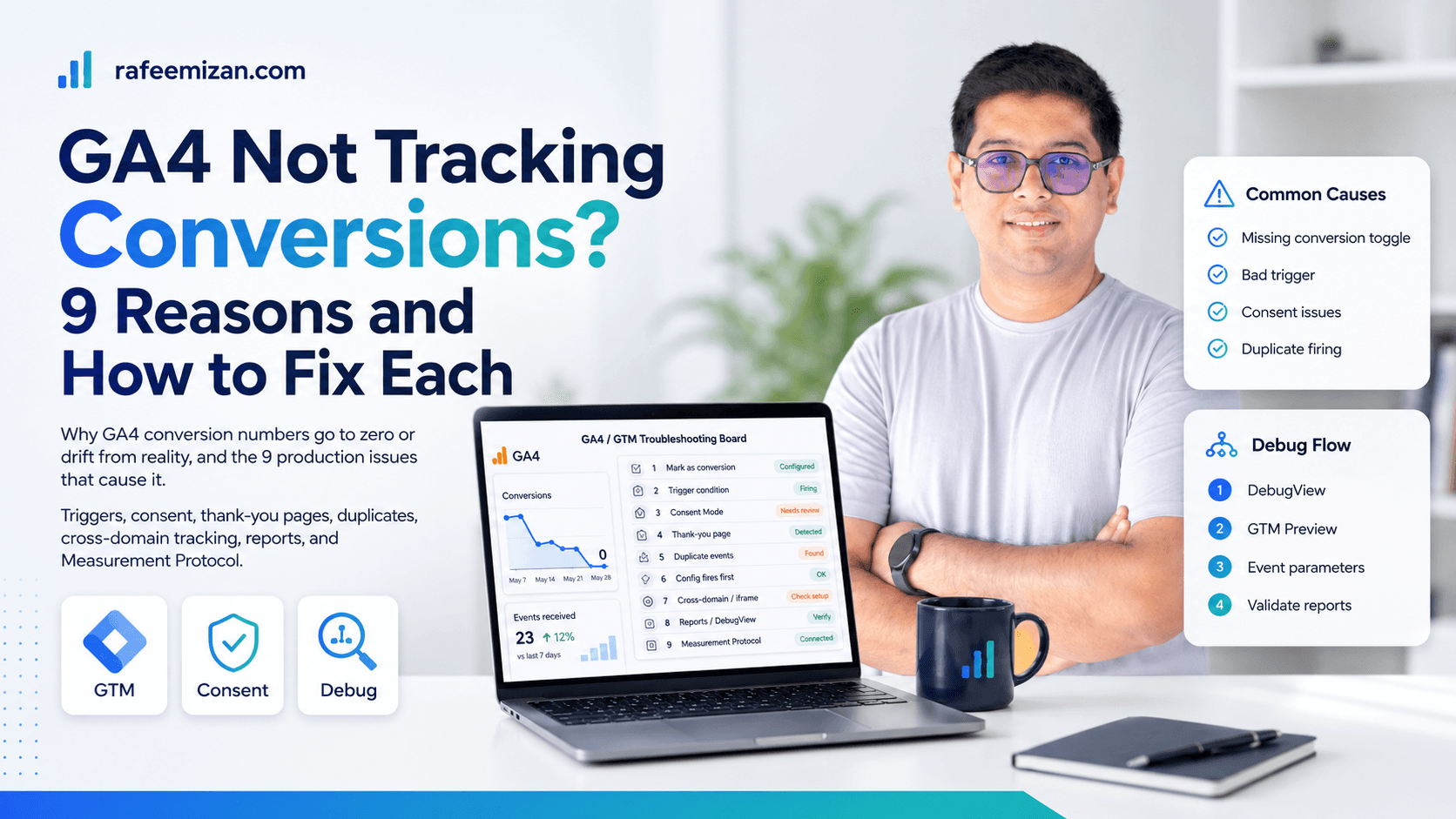
GA4 conversion tracking breaks in a surprising number of ways, and the symptoms often look the same: the number is zero, or it is wildly off from reality. I have seen all nine of these in production setups. Here is what causes each one and how to fix it.
1. The event is not marked as a conversion
The most basic one. In GA4, events do not automatically become conversions. You have to explicitly mark them.
Fix: Go to GA4 Admin > Events > find your event > toggle "Mark as conversion". This can take 24-48 hours to appear in reports after being enabled.
2. The event is firing but on the wrong condition
Your GTM trigger is too broad. A form_submit event fires on every form on the site, not just the conversion form. A pageview on a thank-you page might also fire when users navigate back.
Fix: Open GTM Preview and walk through the exact user journey. Check which tags fire at which point. Add conditions to narrow the trigger — a specific form ID, a thank-you page URL pattern, or a custom data layer event pushed only on genuine completions.
3. Consent Mode is blocking the event
If Consent Mode is configured correctly, GA4 fires in ping mode for non-consented users. Conversion data is partially modelled. If misconfigured, GA4 may not fire at all for a significant portion of users.
Fix: Check that Consent Mode is in basic mode (not blocking GA4 entirely) and that analytics_storage defaults to denied but GA4 is not blocked from loading. In GA4 DebugView, verify events arrive even after declining consent — just without user identifiers.
4. The thank-you page is not exclusive to conversions
Some sites send users to the same thank-you page after multiple actions, or the page is accessible directly via URL. If you use a pageview trigger on the thank-you page, you will count every visit as a conversion.
Fix: Use a data layer push from the server or form submission handler to fire a specific event (purchase_complete, enquiry_submitted) rather than relying on a URL pageview.
5. Duplicate events are inflating the count
GA4 shows 200 conversions for a business that has 20 enquiries. Duplicate event firing is common in GTM containers managed by multiple people over time.
Fix: Use GTM Preview to check how many times the conversion event fires per user action. If it fires 2-3 times, you have overlapping triggers or the tag is on multiple containers. Check for duplicate GTM containers on the page, conflicting click triggers, and overlapping form triggers.
6. GA4 session start and conversion are misaligned
GA4 attributes conversions to sessions. If a user converts immediately after landing and the session is not properly initialized, the conversion can be missed or misattributed.
Fix: Ensure your GA4 configuration tag fires before any event tags. Use the All Pages trigger for the GA4 config tag and use the same GTM trigger hierarchy that fires config first, events second.
7. The conversion happened in an iframe or cross-domain context
If your booking form, checkout, or enquiry form lives on a different domain or in an iframe, GA4 running on the main domain will not see the conversion event fired inside the iframe.
Fix: Implement GA4 on the iframe domain separately, configure cross-domain tracking in both GA4 properties, or use a server-side data layer push to send the conversion event directly to GA4 via the Measurement Protocol.
8. Conversions are in the data but not in the report you are looking at
GA4 reports use sampling and thresholds. Some standard reports do not show conversions by default. The date range may exclude the conversion. Or you are looking at a filtered view.
Fix: Check in Realtime and DebugView first to confirm events are arriving. Then look in the Events report under Engagement, not just Conversions. Filter by the specific event name. Check the date range.
9. The Measurement Protocol is sending events without session context
Events sent via the Measurement Protocol without a valid session_id and engagement_time_msec will often not show up as conversions in reports — they appear as events but are not attributed to a session.
Fix: When sending Measurement Protocol hits, always include session_id (captured from the client), engagement_time_msec (set to at least 1), and the _ga cookie value if available.
How to approach debugging systematically
When GA4 conversions are wrong, start from the beginning:
- Open GA4 DebugView and replicate the conversion yourself
- Check whether the event appears at all
- Check the event parameters — is anything obviously wrong?
- Open GTM Preview at the same time to see which tags fire
- Cross-reference the GTM event name with what is in GA4
This sequence finds 90% of problems in under 30 minutes. The remaining 10% usually involves consent, cross-domain, or Measurement Protocol issues that require deeper investigation.
This is exactly the kind of gap I found and fixed for a Nordic travel platform that had pageviews only, with no event or conversion signal at all.
If you are still stuck after working through this list, an analytics audit can map the full picture. Send me a message with details of what you are seeing.