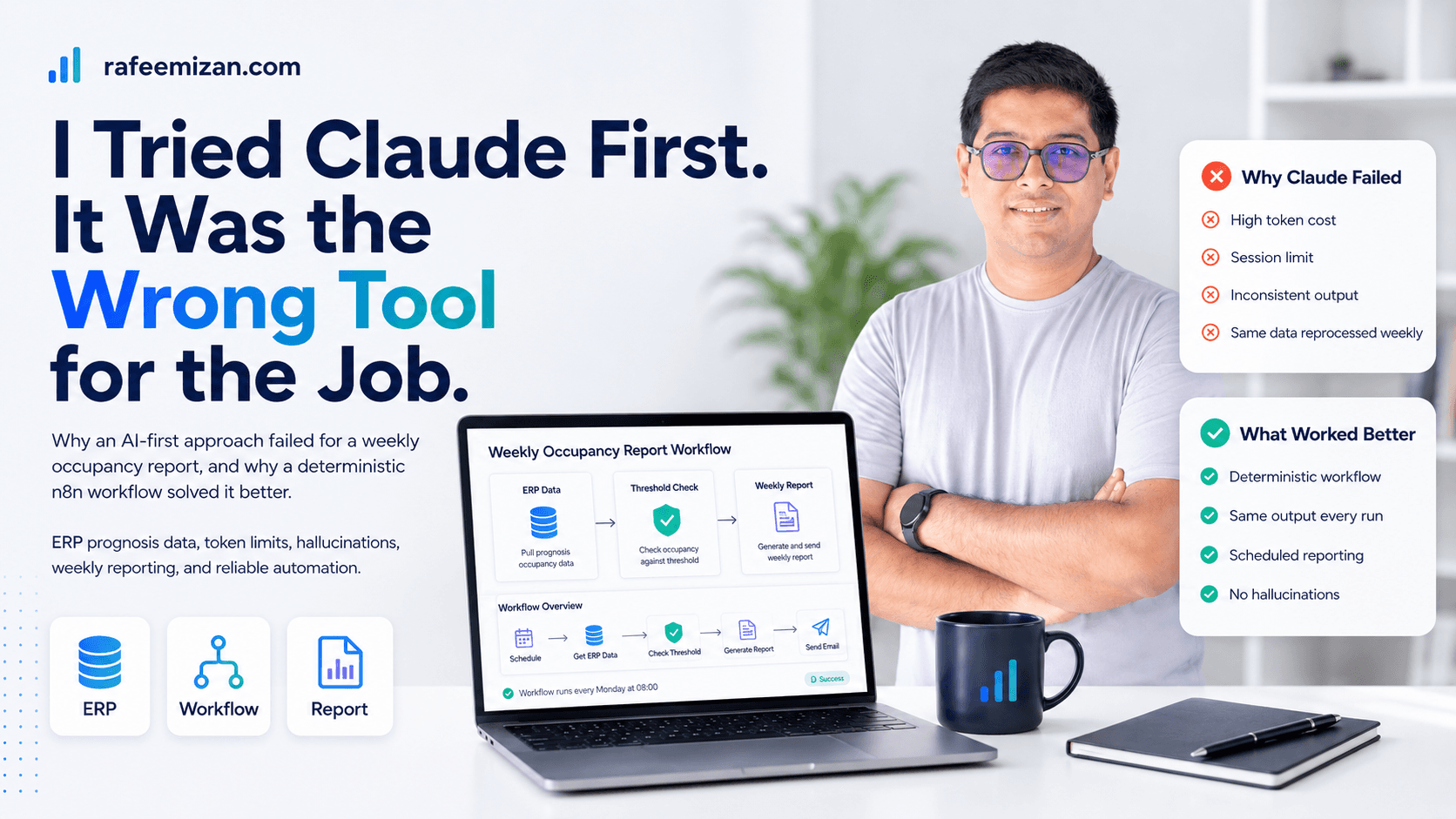
Every week, someone had to check the company's ERP system for anyone whose estimated occupancy for the coming month had dropped below a threshold, then put that list somewhere the project and resource managers could actually use it for planning. Twenty-five to thirty-five minutes, every week, done by hand, and it only took one missed week or one copy-paste mistake for the whole list to be wrong.
There's a motion going on right now where Claude, or AI generally, feels like it can do anything, so people reach for it for everything. I did too. The first thing I tried for this was Claude, connected to the ERP through MCP, asked it to read the prognosis data and pull out anyone under the threshold. It worked, technically. It also burned tokens like crazy doing it, because the data set wasn't small, and every single week meant reading and re-processing the same volume of records all over again, through a model that has to hold all of it in context just to reason about it.
It got worse before it got better. One iteration would burn through my entire 5-hour Claude session limit, in a single pass, just processing one week's numbers. And even after all that, the output wasn't reliable. Run the same thing twice and you could get two different answers. Not close-enough different, actually different numbers, for the same people, the same week. That's not a rounding error, that's hallucination, and for something PMs make resourcing decisions off of, that's disqualifying on its own.
Here's what I eventually realized. The data processing itself never changed. Same fields, same threshold, same math, every single week. That's not a job that needs an AI's judgment, at all. It's a deterministic job wearing an AI costume, because an AI happened to be the tool I reached for first, the same way a lot of people reach for it first now, by default, before asking whether the job actually calls for it.
So I moved it to n8n. Same logic, called against the ERP directly, no LLM in the loop for the actual data pull and filtering. It solved the problem like magic. Same inputs, same output, every time, no tokens burned, no session limit ticking down while I wait, no two runs disagreeing with each other.
That same realization ended up shaping more than just the tool choice. Once I stopped treating this as an AI problem, I could see the rest of it clearly too, the deliverable didn't need to be a spreadsheet someone checks manually, it could just be a report that shows up on its own schedule. And the mistakes that came from earlier attempts, the wrong occupancy metric, a field name that didn't actually exist, turned into defensive checks in the final workflow instead of things I had to remember to get right by hand every week.
But that's a downstream effect. The moral of the story isn't "n8n beats Claude." AI is good. It is not good at everything, and right now there's a real pull toward treating it like it is, toward reaching for Claude, or any AI, as the default answer to every automation problem regardless of what the problem actually looks like. Analyze the requirement before you touch a tool. Explore what's actually available. Understand the shape of the problem you're automating. Know, from real understanding and not habit, which tool fits which job.
Sometimes that tool is Claude. Sometimes it's a boring, deterministic workflow that just runs the same steps the same way every time, on schedule, without an opinion. Knowing the difference is the actual skill. No amount of AI capability replaces making that call correctly.
If you want the fuller build story, including the three automation attempts that came before this and the defensive checks that came out of the mistakes, I wrote it up as a case study.
And if you're curious how I package lessons like this into reusable tooling instead of relearning them from scratch each time, see Claude Code Plugins, Skills, and Agents.